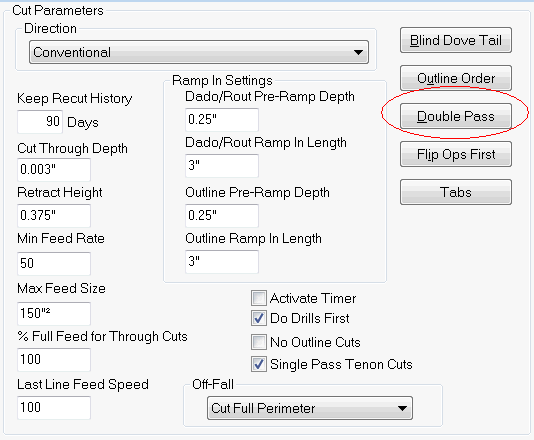
Control Nesting will perform a double pass on the outline operation of small parts. The size of this small part can be set in the Double Pass dialog. This dialog is accessed by clicking the Double Pass button.
The Double Pass dialog allows the operator to set a maximum square inch or millimeter setting as well as a maximum width/length value for skinny parts. Any part that falls below either setting will get a Double Pass operation on the outline. The outline tool will cut down to the Skin Thickness on the first pass.
If you wish to have parts not get the skin remove the "Size to Leave Skin on Double Pass Part" is provided. Any part that falls below either the Size or Width/Length setting will have the skin left on.
